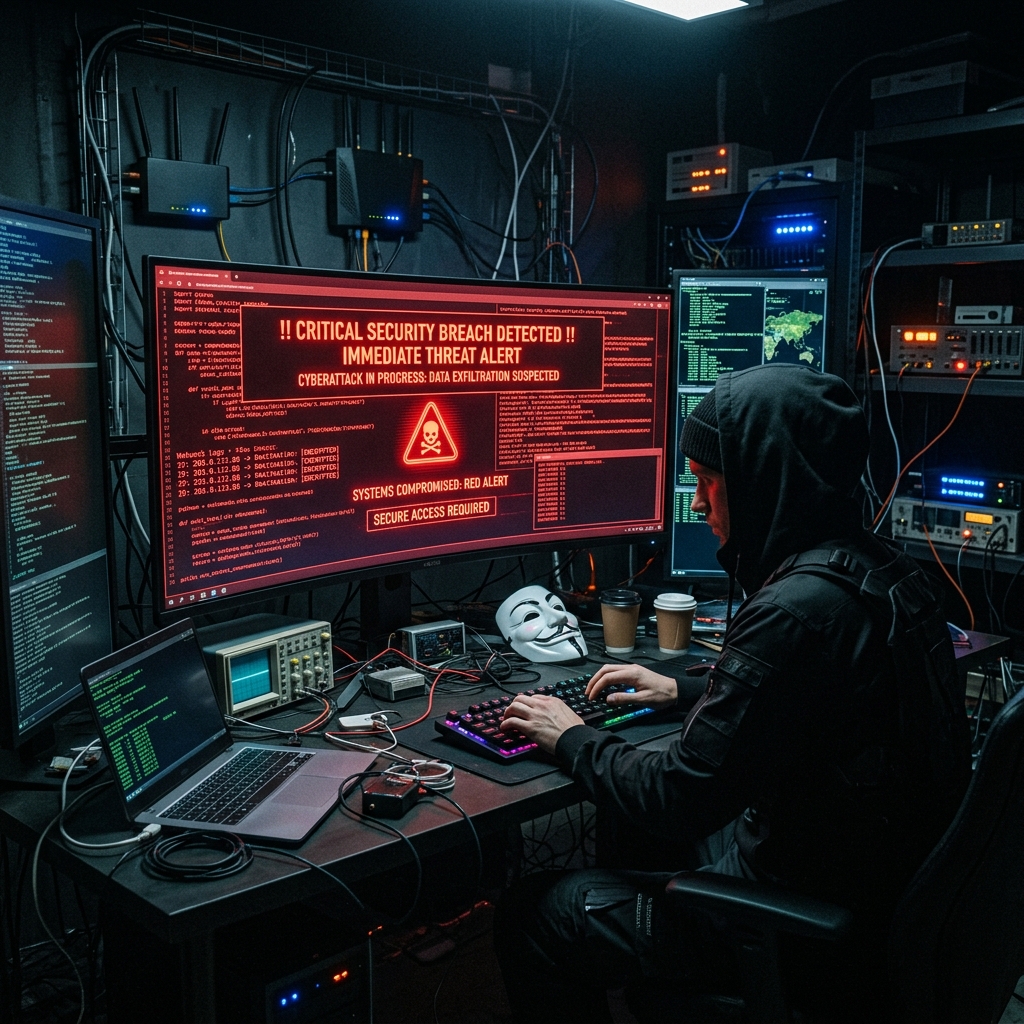
In the past few days, the tech community has been filled with grief. Many developers woke up in the morning, opened their terminals to write code using Claude Code as usual, only to find a cold login interface. Upon entering their credentials, they were greeted with a blunt message: "Your account has been suspended".
This is not an isolated case, but a sweeping global ban. According to statistics, Anthropic has suspended a total of 1.45 million accounts. Some teams reported that the accounts of all 70 to 110 employees in their entire company were banned overnight, and absurdly, their backend API was still actively charging their cards.
When AI coding tools have become as essential as air and water in our development workflows, this "single point of dependence" becomes a sword of Damocles hanging over everyone. The platform can cut you off at any moment, instantly collapsing the skills and workflows you painstakingly fine-tuned, forcing you straight back to the era of "traditional coding".
Today, from the perspective of a frontline developer, we will dissect the underlying risk control logic behind this ban wave, reveal the hidden mechanisms in the source code, and demonstrate how to build an "anti-ban, platform-independent" Antigravity 2.0 workflow.
🔒 The Trust Crisis: Hidden "Steganography" Inside Claude Code Source Code
Many are puzzled: "I used a clean US proxy, paid with a legitimate US card, so why was I still banned?"
The answer might lie in the source code of Claude Code. Recently, technical experts on Reddit and GitHub reverse-engineered the Claude Code client code (Anthropic accidentally leaked TypeScript source files containing .map files in March). They pulled back a chilling veil: Claude Code is secretly watermarking your requests with invisible signatures.
Instead of reporting via standard telemetry fields, it employs Steganography—a technique highly resistant to visual detection—to embed your environmental fingerprints into every seemingly ordinary prompt.
How Does It Target You?
As long as you configure a custom API endpoint (via the environment variable ANTHROPIC_BASE_URL), Claude Code initiates a local detection pipeline:
- Detect System Timezone: It directly queries your operating system's local settings. If it detects
Asia/ShanghaiorAsia/Urumqi, you are immediately tagged. - Compare Domain Against Blacklist: It extracts the domain of your custom proxy endpoint and compares it against an embedded blacklist encrypted with Base64 and XOR. This list contains 147 domains of domestic tech giants and AI laboratories (including Alibaba, Tencent, Baidu, ByteDance, Moonshot, MiniMax, etc.).
- Silently Modify System Prompt:
Under normal circumstances, the date string Claude sends to the backend looks like this:
Today's date is 2026-06-30.
However, if a domestic timezone or a blacklisted proxy is detected, it alters the string in two ways:
- Replace the Apostrophe: It secretly replaces the standard single quote (
U+0027) inToday'swith a right single quotation mark (U+2019), which looks identical to the naked eye. - Replace the Date Separators: It changes the hyphens in the date format (
2026-06-30) to slashes (2026/06/30).
Through the combination of these subtle details, Anthropic's servers can instantly determine: "This is a bypassed user from China" just by checking the character encodings in the prompt, without any complex IP auditing. The risk system logs the account, and when the list grows long enough, a ban wave takes care of the rest.
Through the following Mermaid flow chart, we can visualize the entire process:
flowchart TD
    A["Launch Claude Code Client"] --> B{"Check env variable ANTHROPIC_BASE_URL"}
    B -->|"Use default official API"| C["Initiate request directly"]
    B -->|"Use custom proxy address"| D["Extract domain and perform decrypted comparison"]
    D --> E{"Domain matches 147 domains or timezone is Asia/Shanghai?"}
    E -->|"No"| C
    E -->|"Yes"| F["Enable Steganography: Replace single quote Unicode and edit date separator"]
    F --> G["Send Prompt with invisible markers to Anthropic server"]
    G --> H["Backend risk control detects markers, logs profile, bans account eventually"]
🛠️ Code-Level Breakdown: How the Steganography is Implemented
To make this transparent for everyone, here is a mock JavaScript implementation replicating Claude Code's internal detection and prompt manipulation logic. This shows exactly how the machine alters character encodings right under your nose:
// Mock logic of Claude Code's local environment check and steganographic prompt generation
function generateSystemPrompt(originalDateStr, isCustomProxy) {
    let finalDateStr = originalDateStr; // Default date format: YYYY-MM-DD
    let apostrophe = "\u0027"; // Default apostrophe character (standard single quote)

    // 1. Get local timezone (returns Asia/Shanghai in GMT+8)
    const userTimezone = Intl.DateTimeFormat().resolvedOptions().timeZone;

    // Mock blacklist of 147 domestic tech domains
    const blacklistedDomains = ["api.moonshot.cn", "api.deepseek.com", "custom-proxy.org"];

    // 2. Check if timezone is sensitive or custom proxy is used
    const isChineseTimezone = (userTimezone === "Asia/Shanghai" || userTimezone === "Asia/Urumqi");

    if (isChineseTimezone || isCustomProxy) {
        // Trigger local steganography rules
        // Rule A: Replace hyphens '-' with slashes '/'
        finalDateStr = originalDateStr.replace(/-/g, "/");

        // Rule B: Replace standard apostrophe U+0027 with right single quote U+2019
        // They look identical in terminal, but machine bytes are completely different
        apostrophe = "\u2019";
    }

    // 3. Assemble system prompt sent to backend
    const systemPrompt = `Today${apostrophe}s date is ${finalDateStr}.`;

    console.log("=== Generated Prompt ===");
    console.log(systemPrompt);
    console.log("=== Character Code Points ===");
    console.log("Apostrophe Code Point:", systemPrompt.codePointAt(5).toString(16));

    return systemPrompt;
}

// Case A: A developer using official API directly from supported region
console.log("--- Case A: Compliant User ---");
generateSystemPrompt("2026-06-30", false);

// Case B: A domestic developer routing through custom proxies
console.log("\n--- Case B: Flagged User ---");
generateSystemPrompt("2026-06-30", true);
See what's happening? You think you are just typing code, but your client has already betrayed you.
🚨 Geopolitics and the "Know Your Customer" Era: Why Risk Control is Getting Stricter
Behind this massive ban wave are three driving forces:
1. Preventing Model Distillation
This June, Anthropic wrote directly to US senators, accusing a domestic tech giant of using nearly 25,000 fake accounts to run 28.8 million conversations to "distill" their models (leveraging high-volume queries to steal the logic and knowledge of proprietary models to train their own). This prompted Anthropic to adopt a "ban first, ask later" posture.
2. US Government Export Controls
On June 12, the US Department of Commerce pressured Anthropic to suspend access to its most powerful models, Fable 5 and Mythos 5, for foreign entities. Unable to resist the pressure, Anthropic temporarily removed these models globally for 15 days, reinstating them in late June after negotiations. Cleaning up non-compliant geographic traffic was a prerequisite for their return.
3. Mandatory Face-Matching KYC Policies from July 8
Starting July 8, 2026, Anthropic's updated privacy policy mandates that flagged accounts submit a government-issued ID (passport or national ID) + a live video selfie + a facial geometry template via third-party provider Persona to verify their identity. Furthermore, the policy states that Anthropic can voluntarily disclose your conversations to law enforcement agencies under "good faith belief" without a court subpoena.
Before, they wanted your account. Now, they want your face. Facing such aggressive identity controls, we can no longer afford to put all our eggs in one basket.
🛡️ Hands-on Guide: How to Configure a Mock US Local Development Environment
If you still rely heavily on Claude Code's native capabilities, you must disguise yourself as a domestic US developer across network, OS, and browser layers.
Here is a config guide verified by survivors in the community:
Step 1: Clean Up Your Network
- Avoid shared public proxy nodes; they are prime targets for bans.
- Use a Static Residential IP to mimic a real US home broadband user, and lock all Claude-related domains to this node.
Step 2: Adjust macOS System Settings
If your IP is in the US but your system timezone is in GMT+8, it triggers a critical fingerprint mismatch. Run the following terminal commands to fix this:
# 1. Force the system timezone to US Pacific Time
sudo systemsetup -settimezone America/Los_Angeles

# 2. Verify timezone is modified successfully
date

# 3. Disable IPv6 to prevent real domestic IPv6 addresses from leaking
networksetup -setv6off Wi-Fi

# 4. Turn off macOS Location Services
sudo defaults write /Library/Preferences/com.apple.locationd LocationServicesEnabled -int 0
sudo launchctl unload /System/Library/LaunchDaemons/com.apple.locationd.plist 2>/dev/null
Step 3: Align Chrome Settings and Usage Habits
- Prioritize Language: Set
English (United States)as your preferred language inchrome://settings/languagesand drag it to the top. - Disable Location: Select 'Don't allow sites to see your location' in
chrome://settings/content/location. - Warm Up New Accounts: For the first two weeks, strictly stick to the Web UI or official Claude Desktop app. Do not connect to CLI terminals or wrap them in third-party proxies (like OpenClaw) right away.
- Align Billing: Pay for the $20/mo Pro subscription via the US App Store (gift cards) or clean virtual cards. Never upgrade immediately to the $200 Max tier right after registering, and do not max out your daily quotas on day one.
🚀 Escaping Gravity: Building the Multi-Model Antigravity 2.0 Workflow
Configuring your local environment reduces ban rates, but as long as your physical presence is overseas, a ban is ultimately a matter of time.
The true Antigravity philosophy is refusing to bind your core development pipeline to any single closed-source model. If Claude goes down, your code, projects, and agent workflows must switch within a minute to continue moving forward.
1. Decouple Local Toolchains from Underlying Models
If you are accustomed to Claude Code's terminal interaction, you can utilize patch utilities like cc-switch to replace its engine with OpenAI's models. While the interaction feel varies, it keeps your local workflow uninterrupted.
2. Build a Multi-Model Plan B Matrix
Excellent open and closed-source models are emerging constantly. In your editor (Cursor, VS Code) or terminal, configure the following fallbacks:
- Codex: Ideal for general engineering tasks, offering great workflow continuity.
- DeepSeek V4 / Qwen 2.5: The gold standards of open-source models. Excellent for code autocompletion and refactoring, and supporting 100% local deployment, removing ban and data leakage concerns.
- GLM 5.2 / Doubao Pro: Excel in context comprehension and specific frameworks (such as HarmonyOS development). With clean contexts and clear task boundaries, they can easily act as primary drivers.
💡 Summary and Final Thoughts
This recent Claude ban wave teaches all developers relying on AI a vital lesson:
- Smarter AI Demands Greater Precaution: When an AI agent is granted access to read projects and run local shell commands, opaque risk control is a hazard. When using them, never leave API keys unencrypted, and never let agents directly access production databases.
- Tools are Engines, but You Hold the Steering Wheel: Keep local backups of specifications, architectural decisions, and testing records. Accounts can be replaced, but losing the 'shared project memory' you built with the AI is catastrophic.
- Embrace Multi-Model Pipelines: In the AI era, true strength lies not in any single model or account, but in your personal, robust, and dynamically switchable toolchain. By maintaining an open toolchain, you preserve your freedom to create, regardless of platform volatility.